
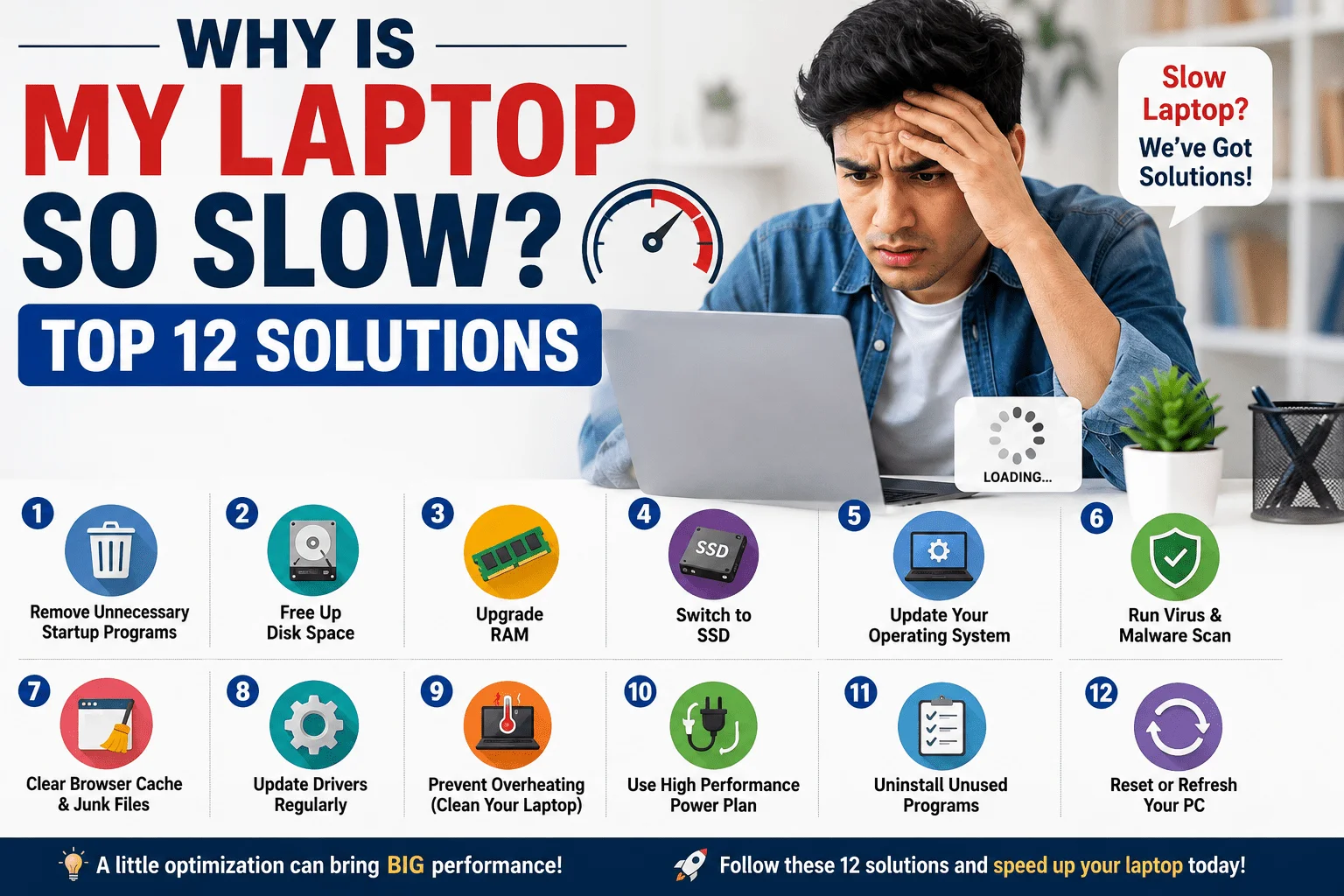
Have you ever asked yourself, “Why Is My Laptop So Slow?” It’s quite common. A slow laptop is something that can negatively impact your productivity levels and hold back your work. Your laptop slows down with time because of the accumulation of different things such as software junk, storage space limitations, outdated hardware, or lots of processes in the background. In this, there are many things that you can do about it and many solutions to slow down your laptop. This guide will tell you about the most common causes of your laptop repair down and how you can solve them.
Why Is My Laptop So Slow?
There are various factors that make your laptop slow. Some factors are related to software problems, while other factors arise due to the aging of hardware components.
The following are some of the major factors:
1. Numerous Startup Programs
Many programs run automatically upon starting your laptop. These programs take up computer memory and processor, which makes your computer slow from the beginning.
How to Fix It
- Open Task Manager.
- Go to the Startup Apps section.
- Disable programs you don’t need at startup.
- Restart your laptop.
This simple step can significantly improve startup speed.
2. Low Available RAM
RAM (Random Access Memory) is essential for multitasking. If you frequently run multiple applications, your laptop may run out of available memory.
Signs include:
- Programs freezing
- Browser tabs crashing
- Slow application switching
Solution
- Close unused programs.
- Upgrade your RAM if possible.
- Reduce the number of browser tabs open.
3. Your Hard Drive Is Almost Full
A storage drive that is almost full may slow down your computer system.
What You Should Do
- Delete unneeded files.
- Clear the recycle bin.
- Eliminate duplicated files.
- Uninstall unneeded software.
- Store big files on cloud or an external storage drive.
Keeping at least 15%-20% of your storage empty will ensure good performance.
4. Background Programs Are Using Resources
Many applications continue running in the background without you noticing.
Examples include:
- Cloud sync software
- Antivirus scans
- Update services
- Messaging apps
These consume valuable CPU and memory resources.
Fix
Use Task Manager to identify high-resource applications and close unnecessary background processes.
5. Malware or Viruses
Malware is one of the biggest reasons a laptop running slow becomes almost unusable.
Symptoms include:
- Frequent pop-ups
- Browser redirects
- High CPU usage
- Unknown applications
Solution
- Run a full antivirus scan.
- Update your antivirus software.
- Remove suspicious programs.
6. Outdated Windows or Drivers
Old software versions may cause compatibility issues and performance problems.
Fix
Update:
- Windows
- Graphics drivers
- Chipset drivers
- Network drivers
Regular updates often include important performance improvements.
7. Your Laptop Is Overheating
Heat forces your processor to reduce its speed to prevent damage.
Common causes include:
- Dust buildup
- Blocked air vents
- Faulty cooling fan
How to Solve It
- Clean air vents.
- Use your laptop on a hard surface.
- Consider using a cooling pad.
- Replace thermal paste if necessary.
8. Old HDD Instead of SSD
In case your laptop is equipped with the conventional HDD, then that is probably the main cause of low performance.
The replacement of HDD with the modern SSD will significantly increase:
- Loading time
- File transfer rate
- Speed of launching applications
- General computer performance
It is one of the most effective hardware changes.
9. Too Many Browser Extensions
Extensions can consume memory and slow your browsing experience.
Tips
- Remove unused extensions.
- Keep only essential add-ons.
- Clear browser cache regularly.
10. Power Settings Are Limiting Performance
Windows Power Saver mode reduces CPU performance to extend battery life.
Fix
Go to:
Settings → Power & Battery → Power Mode
Choose:
- Balanced
- Best Performance
This provides better speed during demanding tasks.
11. Outdated Hardware
Ultimately, old laptops fail to cope with the software demands of today.
Laptops that are older than 6–8 years can have their hardware upgraded, such as RAM and SSD.
12. Too Many Temporary Files
Temporary files accumulate over time and waste storage space.
Clean Them Up
- Open Disk Cleanup.
- Delete temporary files.
- Clear browser cache.
- Remove Windows update leftovers.
Doing this monthly helps maintain better performance.
Prevent Your Laptop from Slowing Down in the Future
While fixing the problem of why is my laptop so slow, there are other things that need to be done. After solving the issue, proper maintenance measures can go a long way in ensuring your laptop runs smoothly for many years to come.
Some of the measures to take include keeping your software up to date. Many times, operating system updates tend to improve the performance of the laptop. Quick Tips to Speed Up a Laptop Running Slow
Follow these best practices:
- Restart your laptop regularly.
- Keep Windows updated.
- Scan for malware weekly.
- Remove unused software.
- Upgrade to an SSD.
- Increase RAM if possible.
- Keep at least 20% storage free.
- Disable unnecessary startup apps.
- Clean dust from cooling vents.
Mostly Asked Questions
What is causing my laptop to become so slow?
In this, poor performance is usually associated with update processes, malware attacks, overheating, lack of storage capacity, and the use of many applications at once.
How do I fix slow performance on a laptop?
Uninstalling startup programs, freeing up storage capacity, updating Windows, conducting virus scan and restarting your laptop should be done. Additional RAM or SSD may be needed.
Can a virus slow down my laptop?
Yes, since viruses take up a lot of CPU, memory, and Internet bandwidth.
Is it a good decision to get an SSD?
Yes, it is a good decision, since installing SSD instead of HDD will help you boost your laptop’s performance.
How much space should be free on my laptop?
It is advisable to have around 15-20% of drive space free.
Conclusion
In conclusion, have you ever wondered why your laptop works so slowly? Most often the cause of the problem is extra programs, lack of memory, outdated hardware or inadequate care of it. However, the majority of the problems can be solved using simple troubleshooting. With the help of the recommendations given in the article you will manage to accelerate your slow laptop.
This Post Has 9 Comments
unlocker.ai – The Ultimate AI Tool for Bypassing Restrictions and Unlocking Content Seamlessly!
Cảm ơn thông tin bổ ích. Nếu bạn quan tâm du học Hàn Quốc, Letco chuyên tư vấn lộ trình, chọn trường và xin visa với tỷ lệ đậu cao. Xem chi tiết tại letco.vn.
Finally found a site that doesn’t lag during the big draws. The interface is clean and the payouts are fast. Definitely my new go-to spot, bdtoto20 is the real deal.
Great experience so far! The layout is intuitive and I hit a nice win on my first try. Definitely give bd888fb a shot
Love the variety of slots available here. It’s rare to find a place as fair as idbatikslot. Keep it up!
Super fast loading times and the graphics are top notch. It feels like a real casino right on my phone. Give ph998jili a go!
Great promotions for new members and the game selection is massive. I am really enjoying my time on vn43win.
Best betting experience I’ve had in a long time. No lag and the odds are very competitive. Just used win444betlogin and won big.
Love the bonuses they offer for new members. It gave me a great head start to explore the different game modes. Give ph567jili a shot.